
Background
Administrate University is Administrate’s customer training academy. It contains self-paced courses, resources, and certifications that help customers get to know the platform, particularly before go-live. Its internal counterpart, Administrate Learning Campus, does the same for employees.
In 2025, our Customer Success team set out to move customer and employee training onto a new partner LMS. Every Administrate customer and employee would use it, but it was a huge undertaking for a small team.
Until then, customer training had lived on an old LMS built in-house. It hadn’t been significantly updated in years, was buggy, and still carried our old brand. Moving to a new platform was a chance to bring our first touchpoint with many of our customers in line with the new brand.
The challenge
Training was one of the last places our rebrand hadn’t reached, and the move to a new LMS was a good opportunity to apply it.
- An afterthought next to the rebrand. Customer training still used our old colors and imagery, so it looked disconnected from the “Administrate” customers saw everywhere else.
- Generic stock imagery. Course images were primarily built from Shutterstock photos, which varied in tone and style. They never felt terribly specific to Administrate, and could, at worst, make the tool look sophomoric.
- A slow, manual process. Each image was placed by hand into Illustrator templates. Creating them was time-consuming for the person doing the training, and the results didn’t look as considered as the rest of the brand.

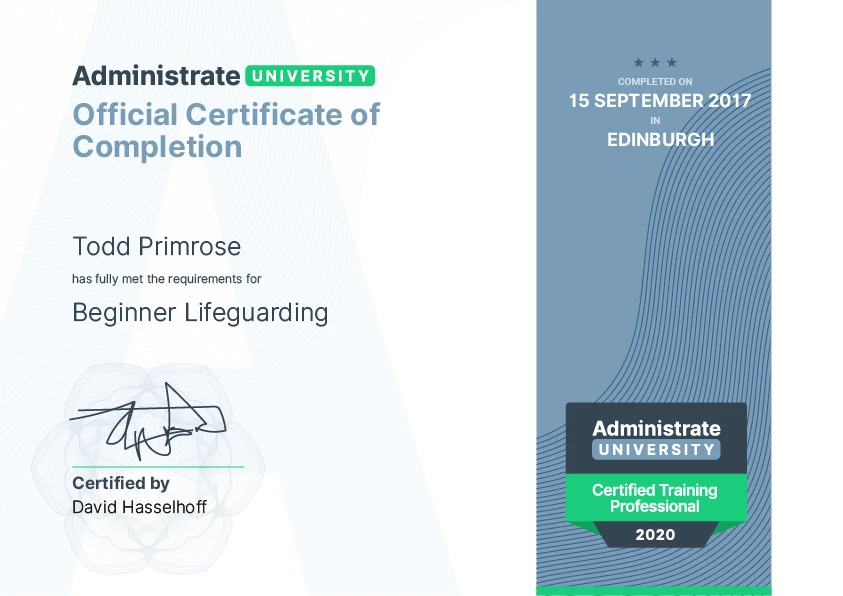
The old Administrate University brand: its logo, a certification badge, a course image built on a stock photo, and a certificate.
My role and approach
As the sole designer, I led the subbrand and LMS design. I also applied our brand styles to the new LMS directly, and built template systems in Canva so that our in-house trainer could create and update course materials without waiting on me.
I also worked closely with our trainer and VP of Customer Success, who had chosen Skillpath as the new LMS. Before putting pencil to paper, I gathered feedback their team had been getting from learners on the old platform, so the redesign started from what people had actually told us.
A subbrand within a branded house
Administrate University follows a branded house approach from the Administrate rebrand. The subbrand leads with the Administrate logo so that it’s clearly Administrate-first. I made horizontal and stacked lockups for the LMS navigation and narrower formats, and the same system names our employee training, Administrate Learning Campus.
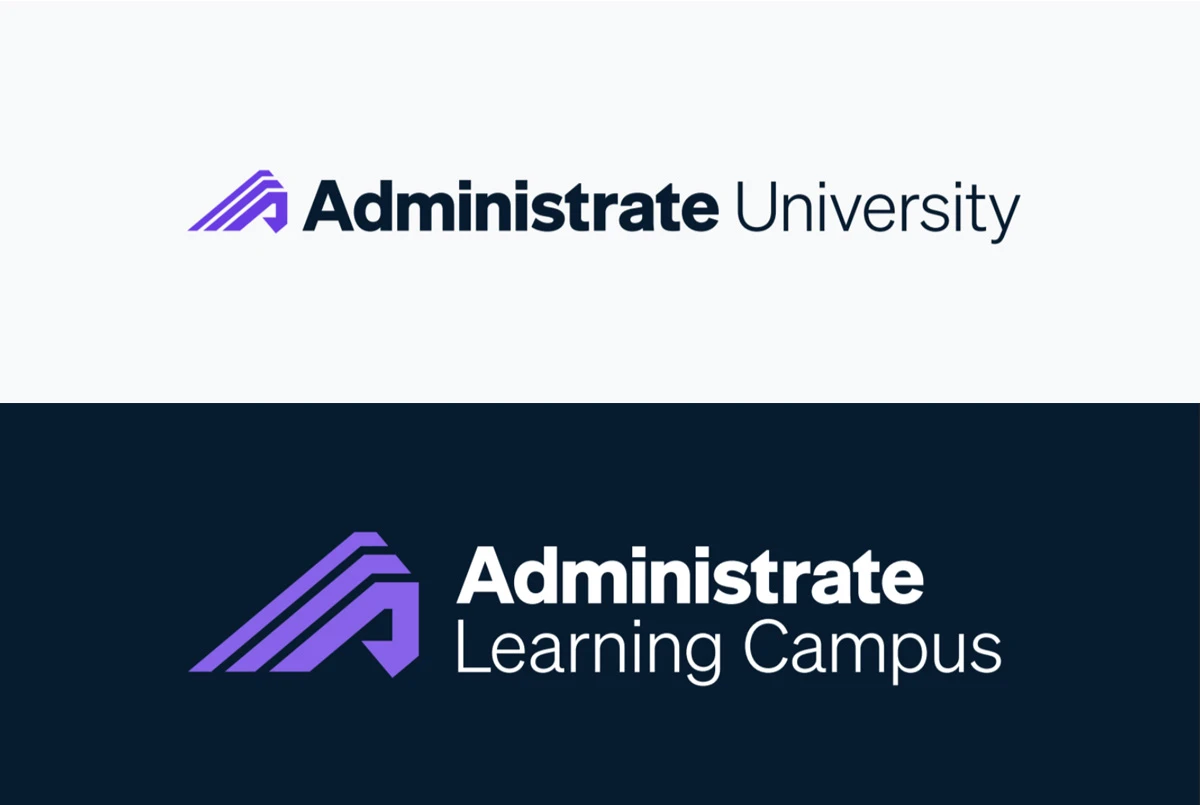
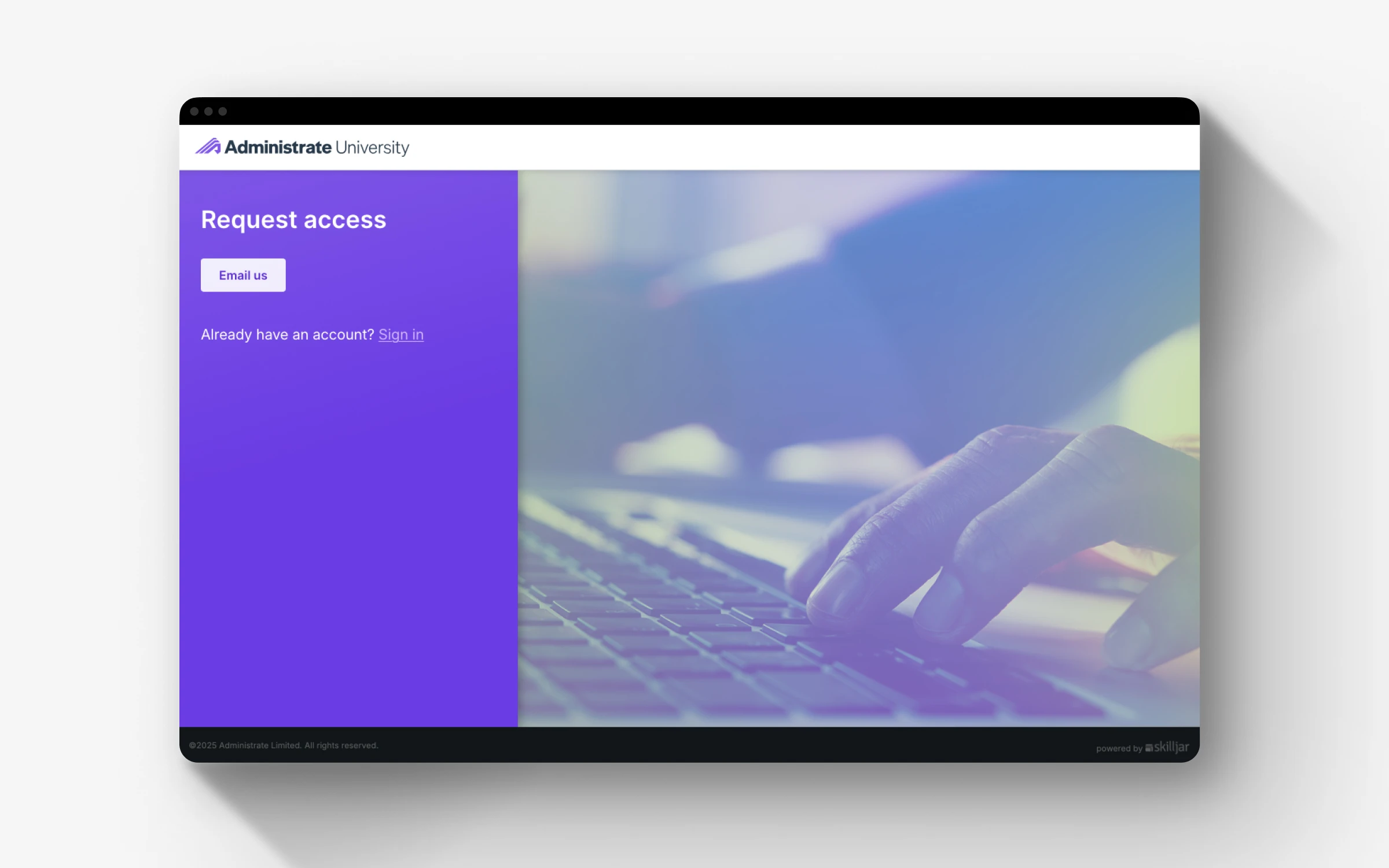
Administrate University and Learning Campus lockups, and the University request access page.
A template system the trainer owns
The biggest long-term win was making course production independent of design and cutting out time for the trainer. I built a set of Canva templates that they can update for each new course.
Every course card follows the same structure: a course-type tag, the course title, and the Administrate logo. Each of the six course types (Logic, Scenario, Configuration, Team, Procedure, and Learning Path) has its own accent color, so learners can tell what kind of course they’re looking at before they read a word. Each card carries an icon for its subject, and because we use FontAwesome icons for our brand, the name of the icon can be easily added via font ligatures.
Learning Path cards carry the certification badge instead, which ties them to the certifications learners will earn once they’ve completed a path.
To keep everything on-brand, the icon location, text location, and badge imagery are locked. The trainer edits only the text and icon, and the template reflows to fit. Every new card comes out looking consistent without any design support.
I chose Canva over Illustrator because it’s simpler to use, share, and collaborate on should the CS team grow. It also throws open the door to AI: with a Claude MCP integration, updates and exports can now be handled even more simply and in bulk.
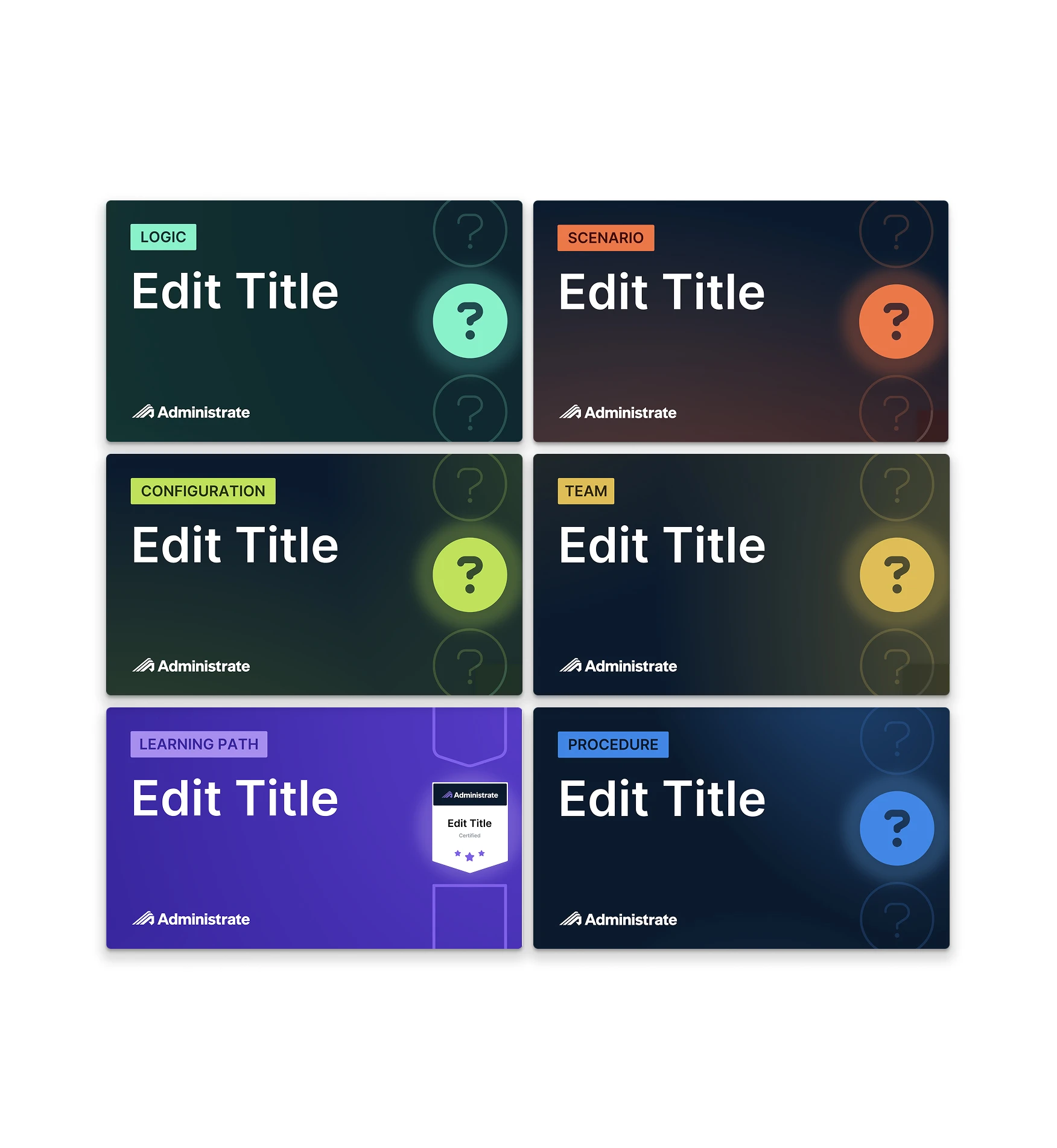
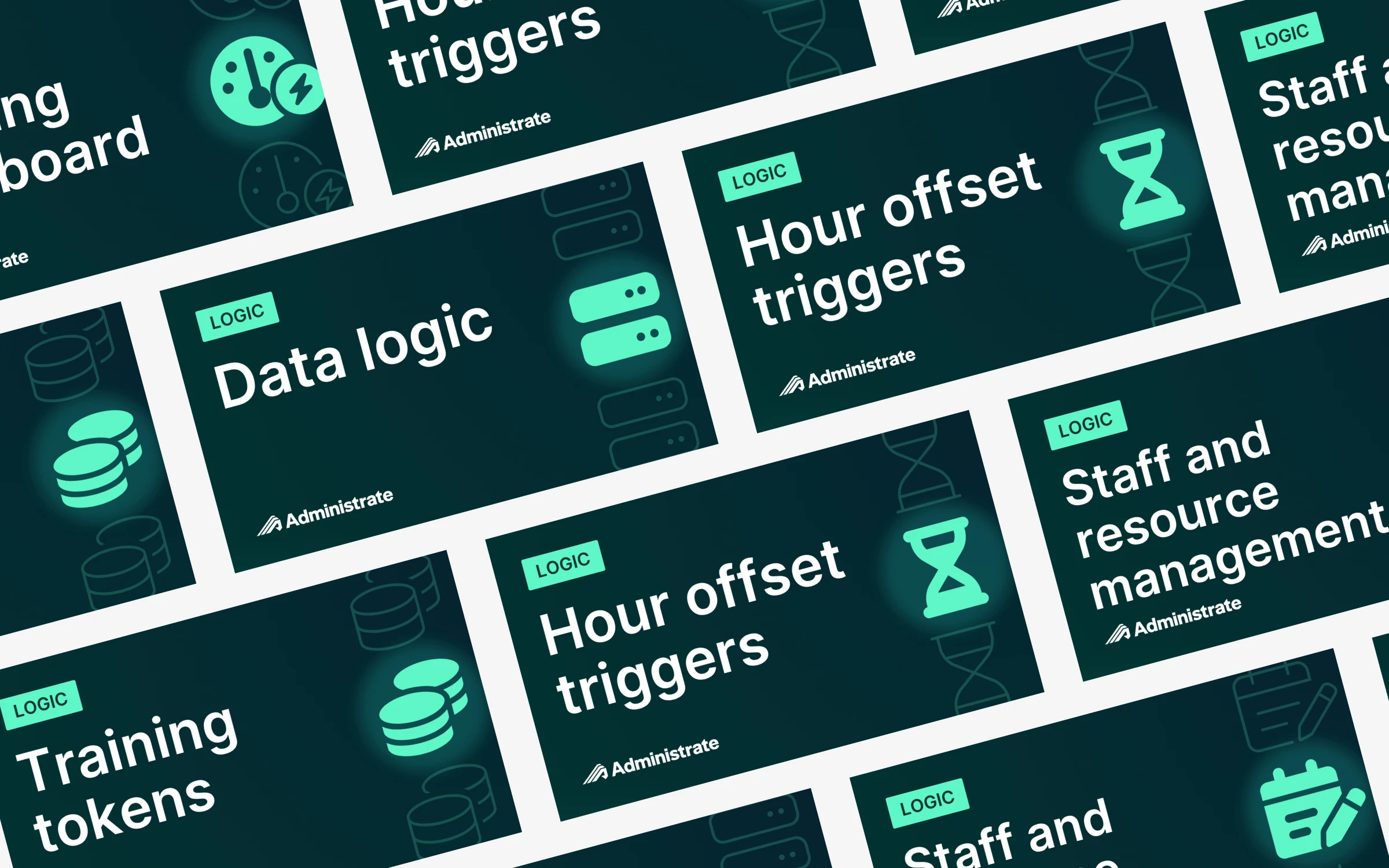
The Canva templates, color-coded by course type, and finished course cards made from them, each with an icon for its subject.
Course slides and certificates were redesigned to match, so a course looks consistent from its card in the catalog through to the certificate at the end.
Rollout and enablement
I’d worked with our trainer throughout the project, so he was kept up to date on every change and shared feedback along the way. That made the handover a natural next step. Before handing the templates over, I walked him through updating existing assets and creating new ones, and wrote detailed instructions he could refer back to.
Designing the learning platform
The homepage gives learners three clear ways to start learning: Get started for the essentials, All courses for every lesson, resource, and webinar, and Webinars for on-demand videos from the Administrate team. Below that, Administrate-certified learning paths are laid out as cards, each showing its certification badge and how many courses it contains, followed by collections grouped by topic.
Beyond the visual design, I worked with our trainer and VP of Customer Success on the content design for the landing page and throughout the platform, suggesting how to organize content so learners could find what they needed. Like most off-the-shelf platforms, Skillpath offered less design flexibility than a custom build would have. Much of the work was making considered choices within these constraints, getting the most out of its theming, structure, and content to make the platform feel like Administrate.
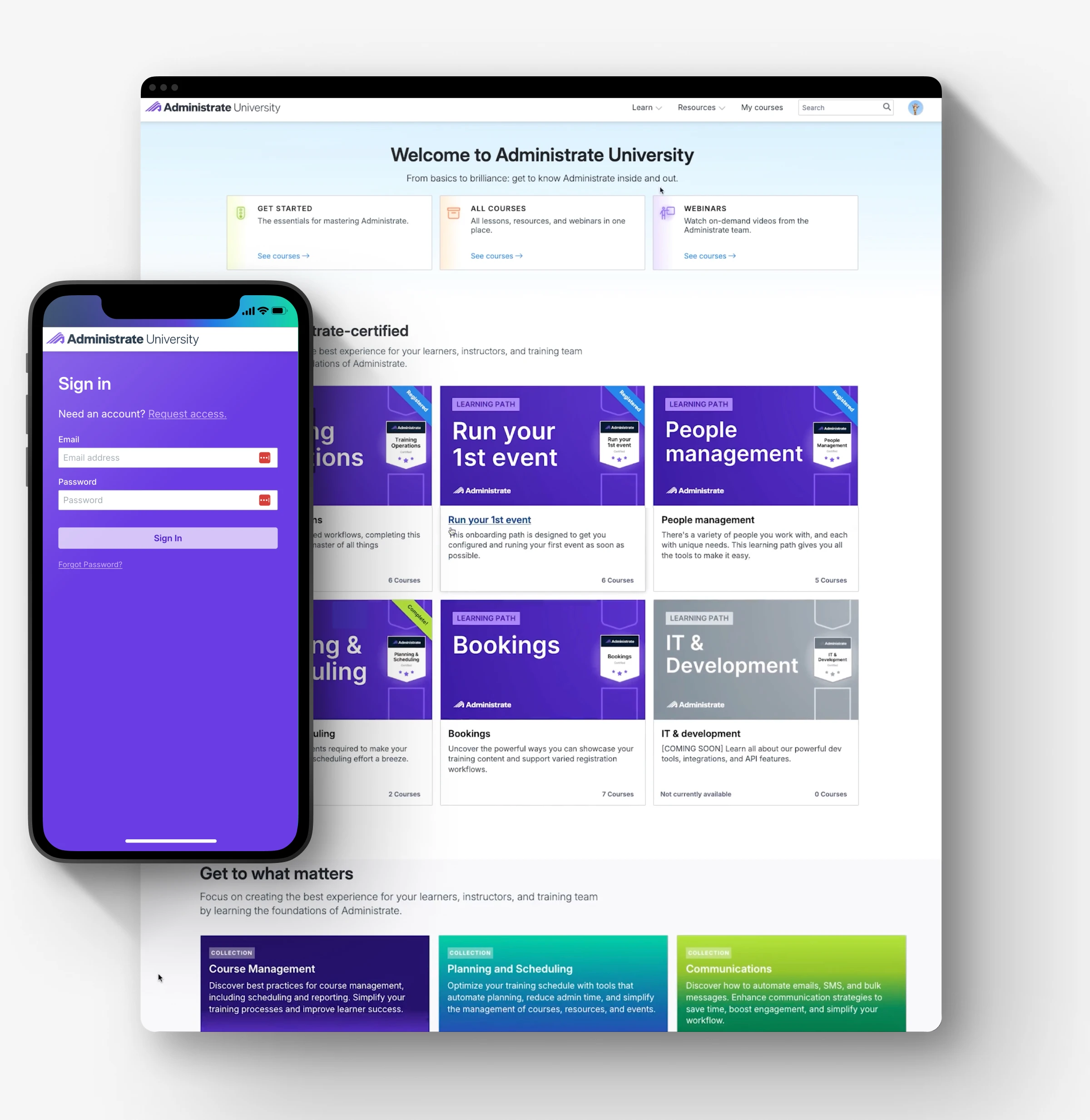
The Administrate University homepage on desktop, and signing in on mobile.
Each learning path has its own page: an overview of what it covers, a progress bar, and its courses in order, each with a step-numbered card, so learners can always see how far along they are.
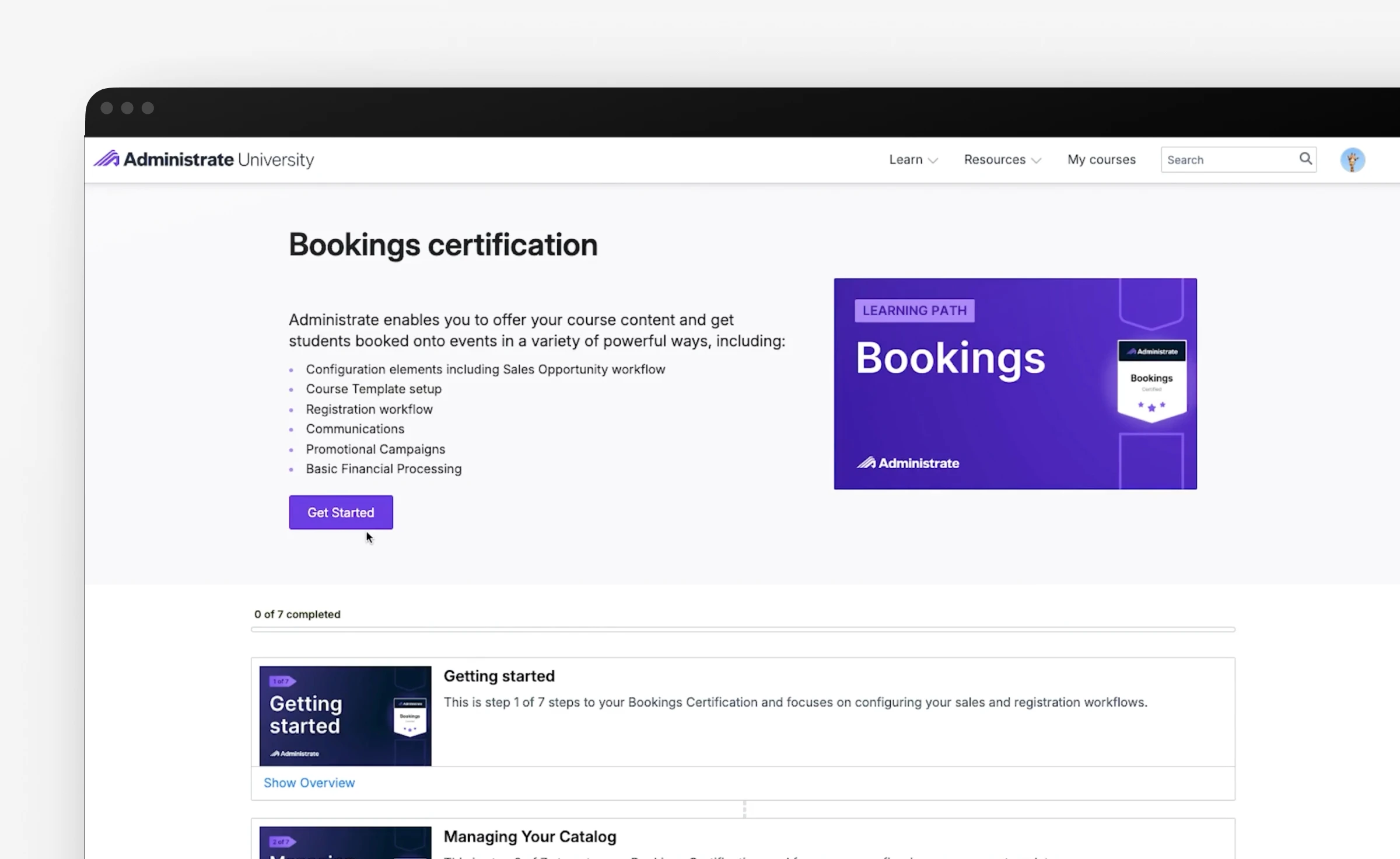
A learning path page, with progress and each step in order.
Inside each course, the lesson player keeps required content and the next step in view, so learners always know where they are and what comes next. Finishing a learning path earns a certification badge, issued through Credly so learners can claim it and share it.
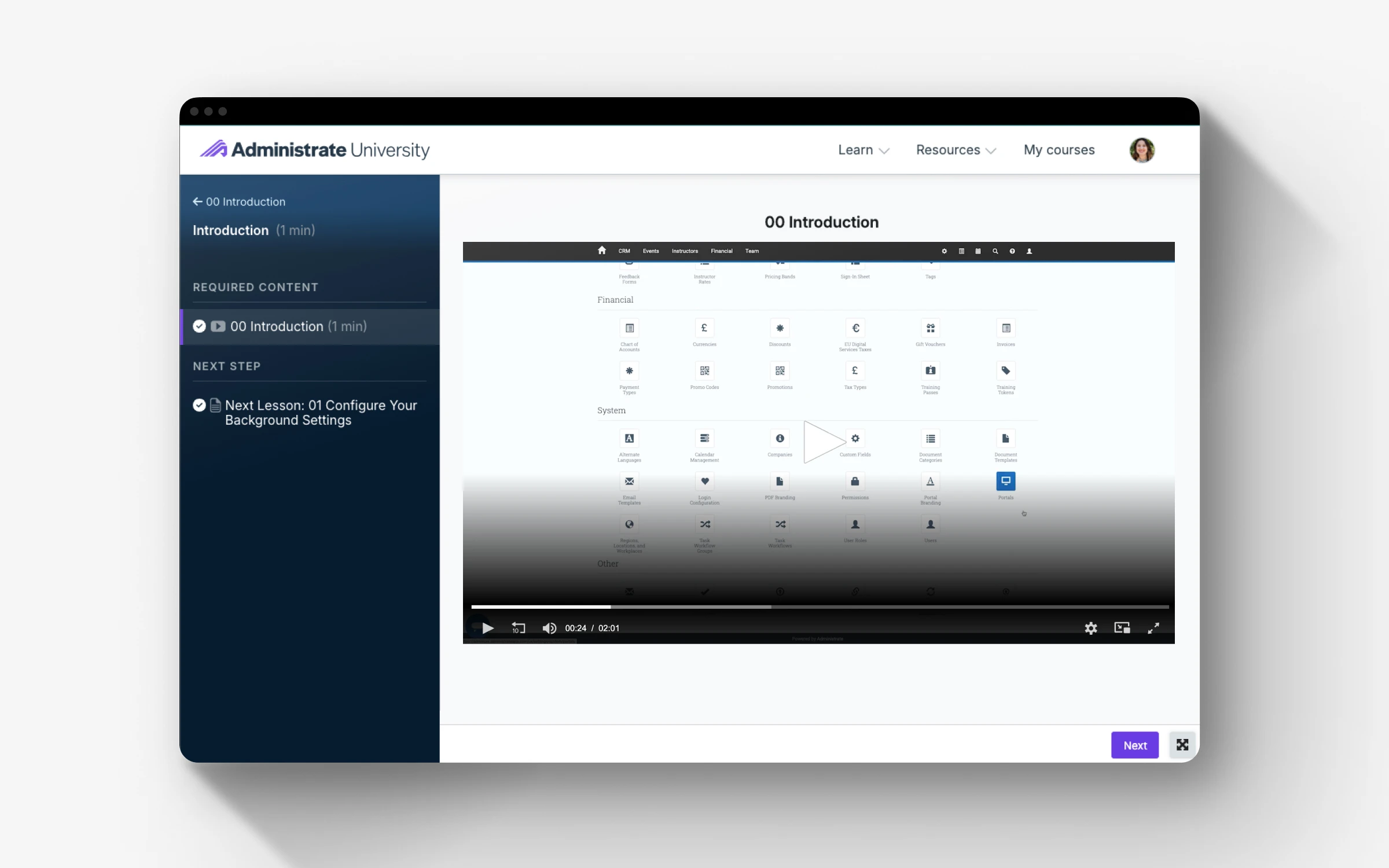
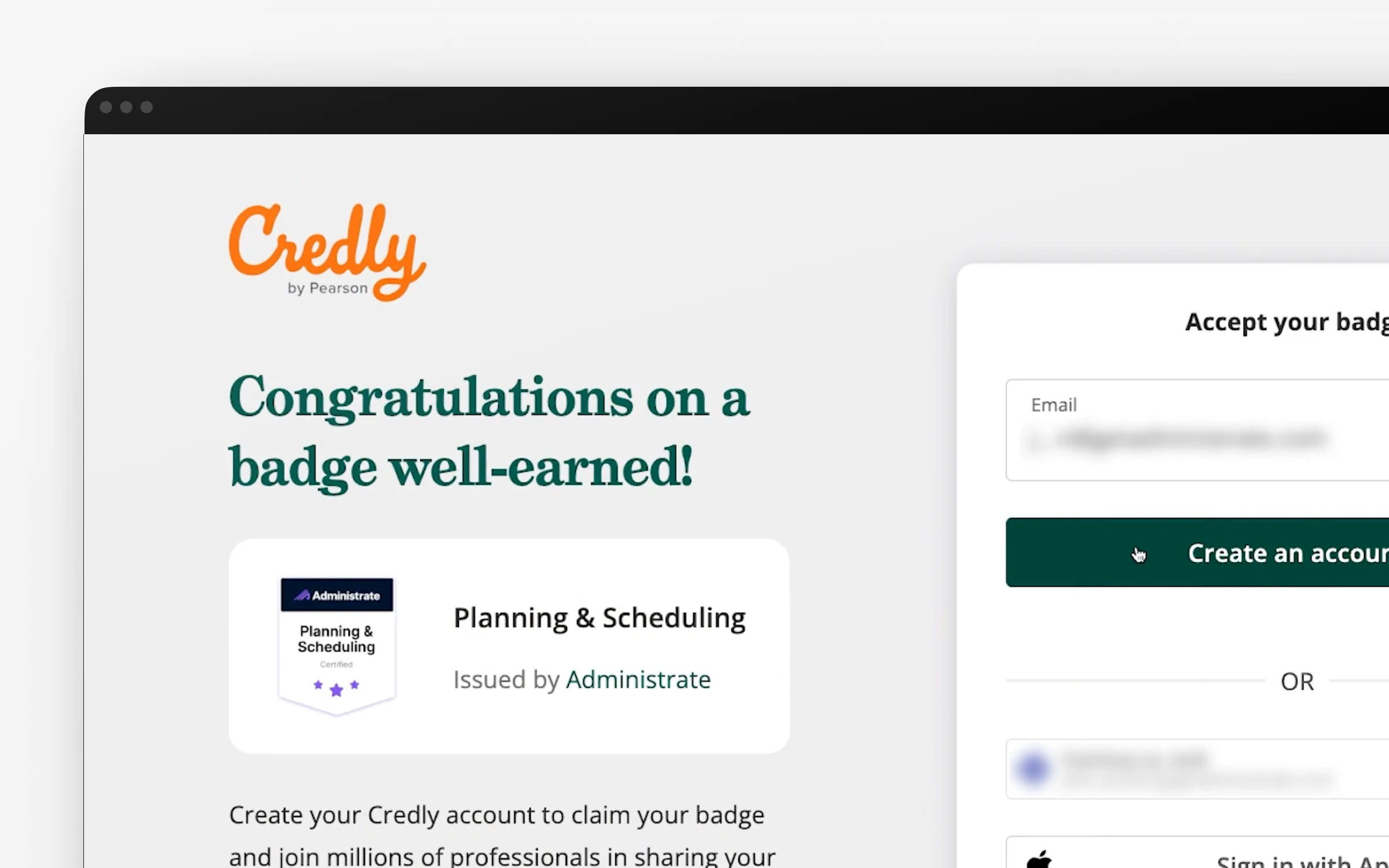
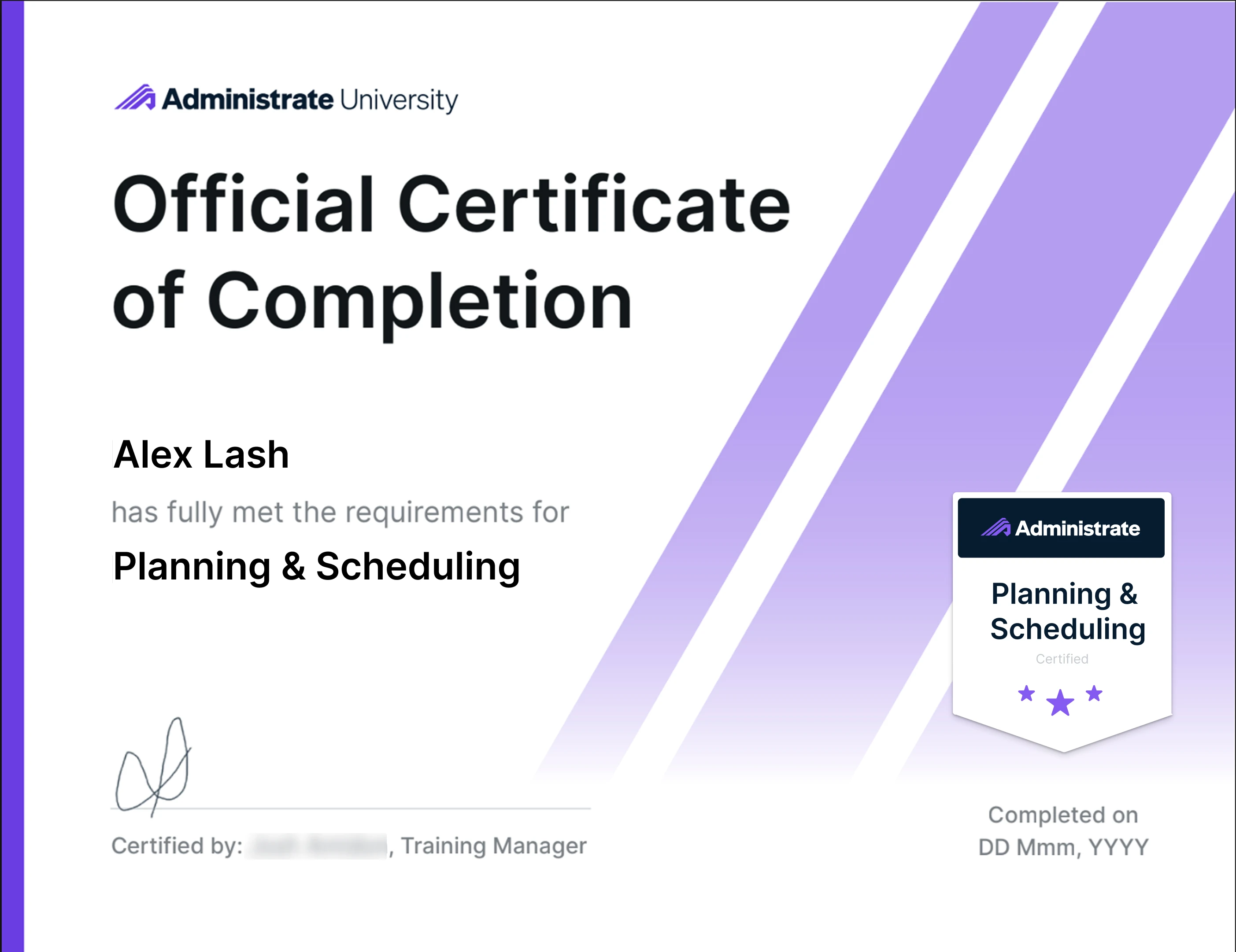
A lesson in the course player, claiming a certification badge on Credly, and a certificate from the redesigned template.
Results
Every course, from launch onward, has been created by our trainer independently using the templates, with no design support needed. And because the cards no longer rely on stock photography, we were able to retire the Shutterstock subscription entirely.
Along with it went the stock photos of people pointing enthusiastically at laptops. They will not be missed.

